








المولد
تاريخ
مُنشئ تخطيطات الأرض الاصطناعية
أداة التغيير
النموذج
أساسي
تبديل
الغرف
غرفة النوم
-
2
+
حمام
-
1
+
مطبخ
开放式
封闭式
总面积
وحدة مقياس
مقياس إمبراطوري
مقياس إمبراطوريمنطقة
< 50㎡
50-80㎡
80-100㎡
100-120㎡
120-150㎡
> 150㎡
附加设施
خزانة الملابس التي تتمكن من الدخول فيها
غرفة الغسيل
غرفة التخزين
غرفة الأعمال المتعددة
مكتب المنزل
جراج
خزانة الأطعمة
غرفة المعيشة والطعام المشتركة
بالكوني

Unlock Your Dream Home: Effortless House Blueprint Design with AI
Revolutionize your project with Ideal House's AI Floor Plan Generator. Quickly create precise 2D house blueprint design concepts in seconds. Whether you're a homeowner, designer, or realtor, generate professional home floor plans that bring your vision to life, saving time and resources. Experience the future of architectural drawing.
Generate My Floor Plan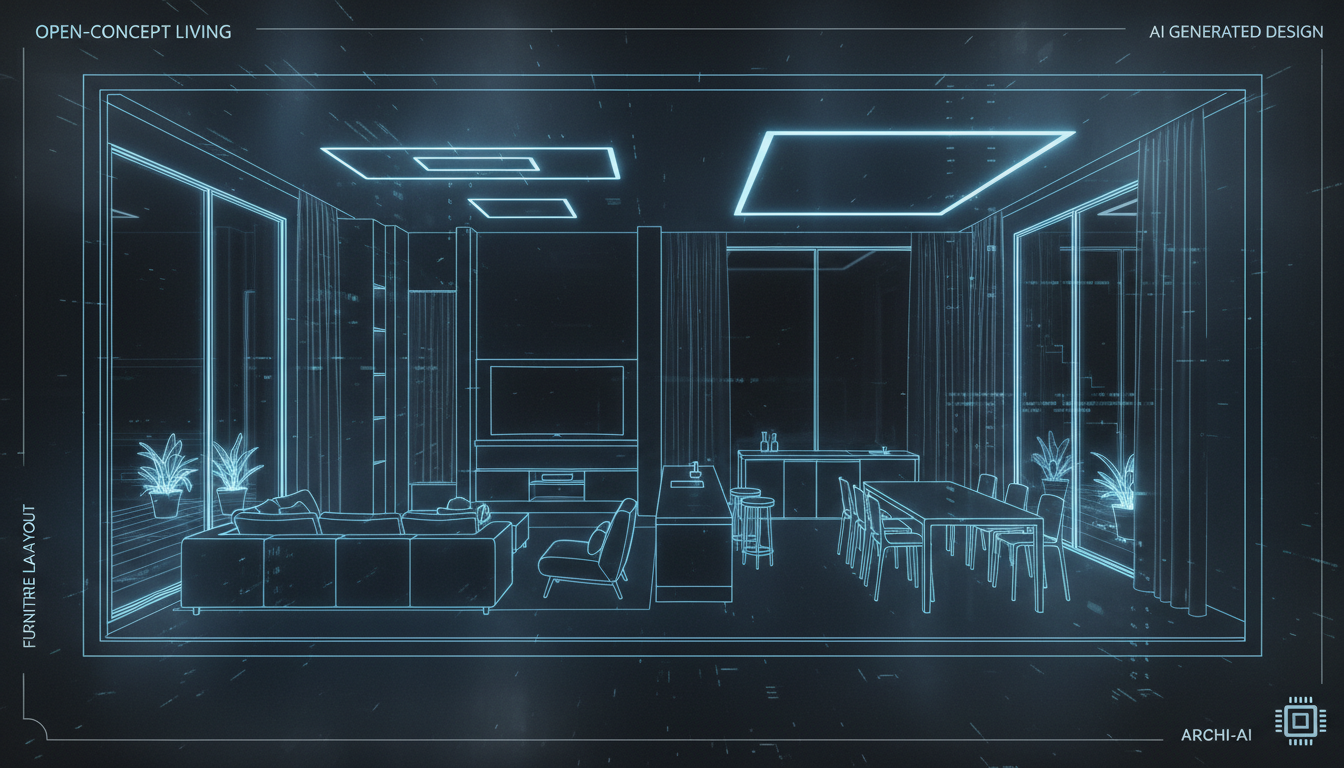


Transforming House Blueprint Design with Ideal House AI
Instant House Layout Design
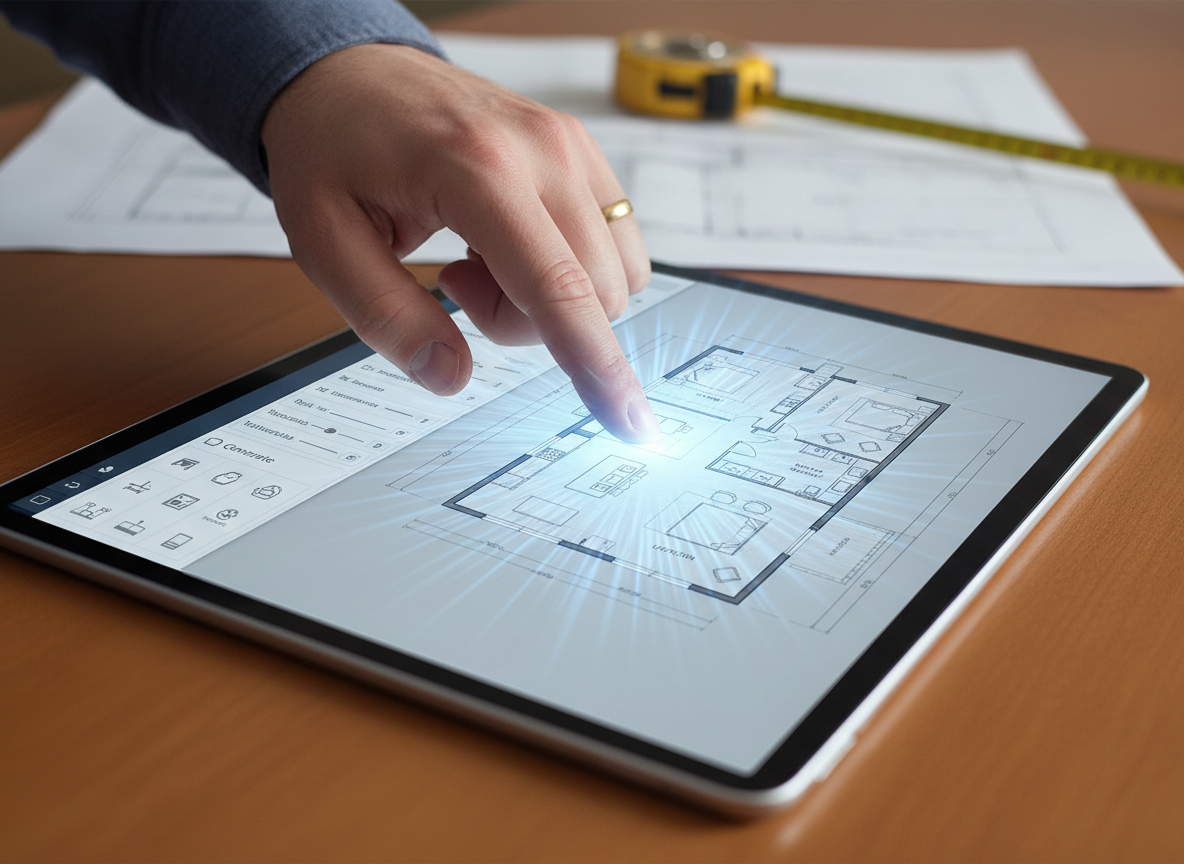
Say goodbye to endless drafting. Our AI Floor Plan Generator delivers a complete house blueprint design in moments. Simply input your preferences—from bedroom count to kitchen style—and watch as our tool crafts intelligent, functional home floor plans. This speed allows for rapid iteration and decision-making, accelerating your design process dramatically.
Precision and Realism for Every Blueprint
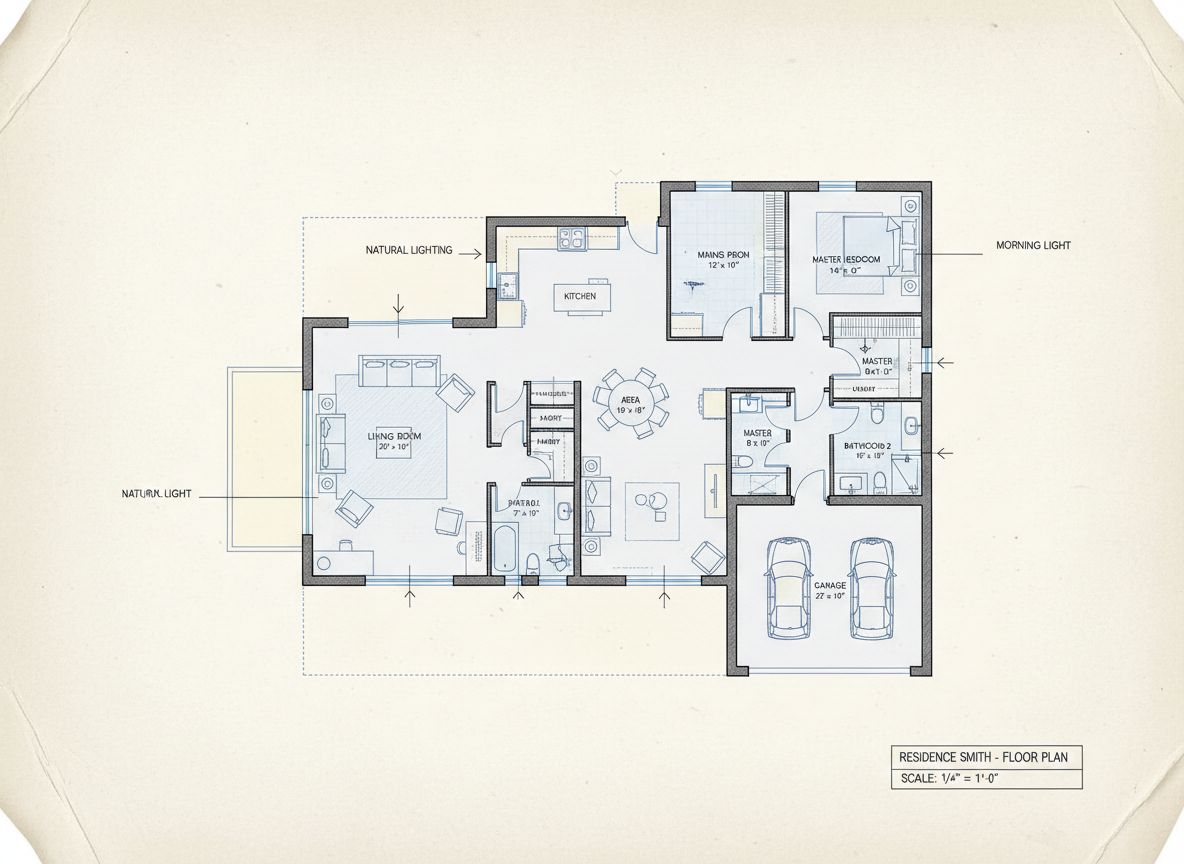
Ideal House ensures every house blueprint design is not just fast but also accurate and realistic. Our AI considers common architectural drawing principles and spatial relationships, creating logical and livable layouts. Get a clear 2D representation, perfect for visualizing room flow and dimensions, providing a solid foundation for any residential blueprint.

ROI-Driven Solutions for Property Listings
For real estate professionals, a compelling house blueprint design is key to attracting buyers. Our AI Floor Plan Generator provides clear, consistent, and appealing floor plans that enhance property listings. Help potential buyers instantly grasp the layout and potential of a home, leading to quicker sales and better returns on investment. Create professional floor plans without the cost and time of traditional methods.
Seamless Iteration and Customization
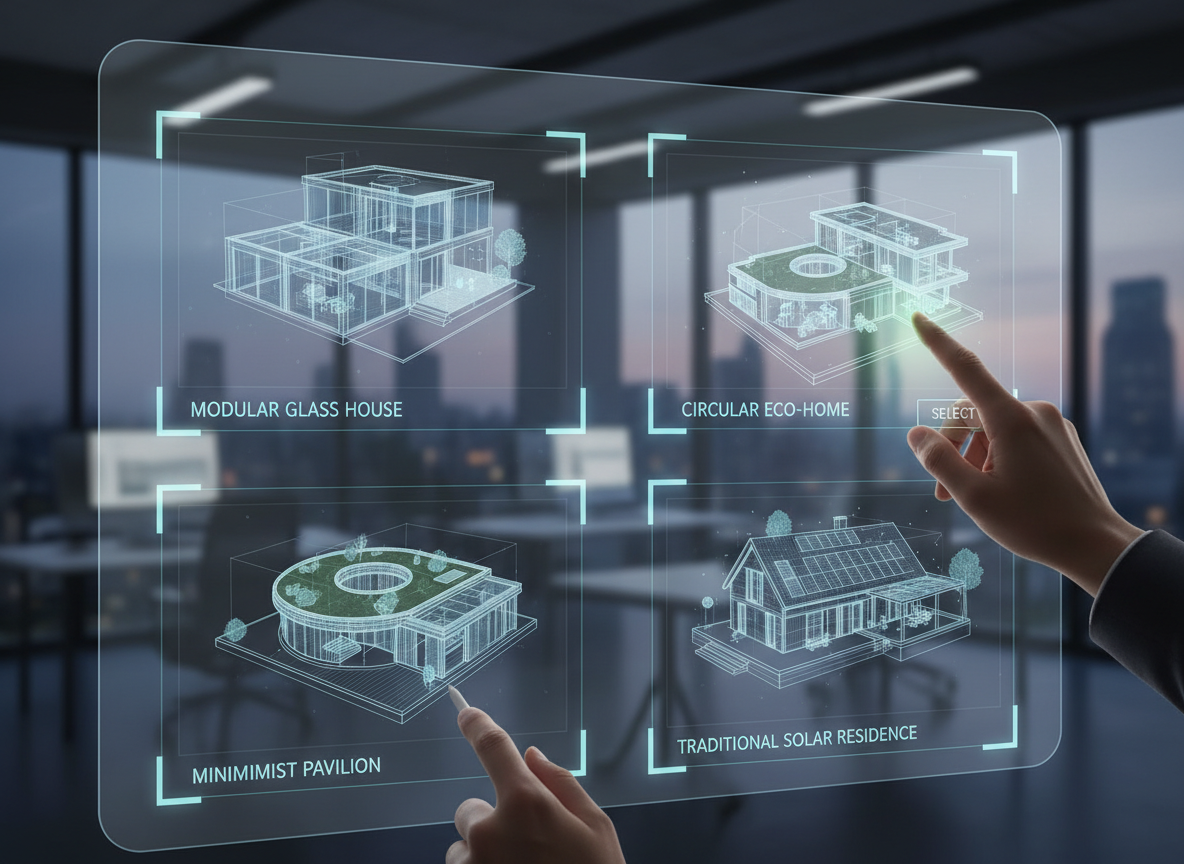
Need to tweak your house blueprint design? Our tool makes it simple. Adjust parameters like gross area, kitchen style, or add extras like a walk-in closet or home office, and instantly generate new versions. This flexibility allows for effortless custom floor plan creation, empowering you to explore countless design possibilities until you achieve the perfect home layout design.

Who Benefits from Our AI House Blueprint Design Tool?

Homeowners planning renovations or new builds who need a clear home floor plan.

Interior Designers & Decorators seeking quick conceptual architectural drawing solutions for clients.

Real Estate Agents & Developers needing professional floor plans for compelling property listings.

Contractors & Consultants looking to quickly draft floor plans for project alignment and client discussions.

Generate Your House Blueprint Design in 6 Simple Steps
1
Define Your Spaces: Select the desired number of bedrooms (0-4) and bathrooms (1-3) for your ideal house blueprint design.
2
Choose Kitchen Style: Decide between an open or closed kitchen layout, influencing the overall home layout design.
3
Specify Gross Area: Pick a gross area range to guide the AI in creating appropriately scaled and proportioned rooms for your floor plan.
4
Add Key Features: Select essential extras like a walk-in closet, laundry room, home office, or garage to shape your custom floor plan.
5
Generate & Refine: Click 'Generate' to instantly produce a 2D floor plan. Review your results and easily tweak selections to explore variations.
6
Export & Share: Download your perfected house blueprint design as an image or PDF, ready to share with stakeholders or integrate into listings.
FAQs About Ideal House AI Floor Plan Generator
How does AI transform my selections into a house blueprint design?
Our AI floor plan creator interprets your chosen parameters—bedrooms, bathrooms, kitchen type, gross area, and extras—to intelligently apply standard architectural drawing principles and circulation rules. It then drafts a clear 2D floor plan, presenting a fresh concept with each generation that you can easily refine by adjusting your inputs.
What customizable ranges are available for my home floor plan?
You can select 0-4 bedrooms (default 2), 1-3 bathrooms (default 1), and toggle between open or closed kitchen layouts (default open). Gross Area bands allow you to guide overall scale. Extras like a walk-in closet, home office, or pantry can be multi-selected to personalize your residential blueprint.
How does 'Gross Area' affect the house blueprint design?
The Gross Area range helps the AI establish the overall scale and footprint of your home floor plan. Choosing the closest band ensures that rooms and corridors are appropriately sized and proportioned, leading to a more believable and functional layout for your conceptual floor plan.
What impact do 'Extras' have on the generated floor plan?
Selecting 'Extras' guides the AI floor plan maker on which spaces to prioritize and how to integrate them. For example, a walk-in closet will typically be placed near a primary bedroom, a pantry adjacent to the kitchen, or a home office in a quieter, more private zone within your house blueprint design.
Can I compare different house blueprint design versions?
Absolutely! Every floor plan generated is automatically saved in your Generation History. You can use the 'Created with AI Floorplan' filter and switch between grid or list views to easily review and compare multiple versions side-by-side, helping you choose the perfect house layout design.
Explore More Ideal House Design Tools
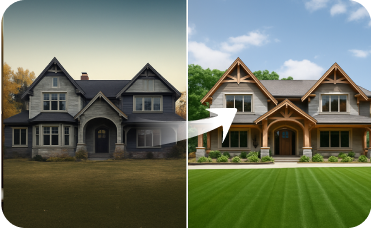
Exterior Renovator
Update the home's facade with new siding, windows, and paint for ultimate curb appeal.
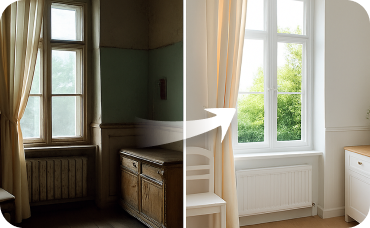
Interior Remodel
Take the transformation inside and redesign any room in your house instantly.
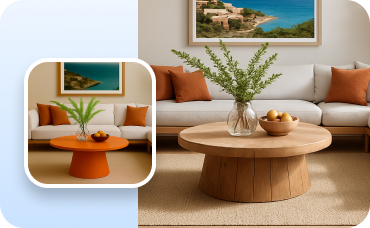
Change Furniture
Swap individual items in your newly staged room to fine-tune the Cuba Modern aesthetic.
Ready to Design Your Perfect Space?
Create stunning, accurate house blueprint designs in minutes. Simple, fast, and share-ready.
Generate My Floor Plan
💰 احصل على عمولة 10% كشريك متابع لـ Ideal House.
انضم إلينا